 Searching...
Troubleshooting Package
The Troubleshooting Package is a compressed archived package (.tgz) that collects information such as:
- Audit and Regular logs
- Device Configuration Database
- Networking interfaces, routing tables and rules
- Firewall rules and conntrack tables
- IP Sec detailed information
- Disk usage and mounted drives
- Various Linux log files including “dmesg”, modules, etc.
The Troubleshooting Package is encrypted and can only be decrypted by Semtech employees.
No passwords are stored in the troubleshooting package.
To generate the Troubleshooting Package:
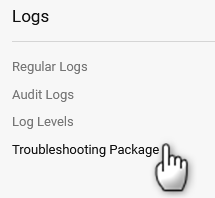
When troubleshooting logs are requested by Semtech Technical Support, go to System > Logs > Troubleshooting Package.
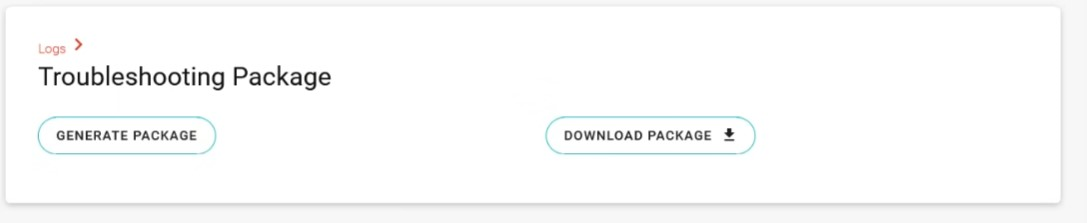
Click GENERATE PACKAGE.
Click DOWNLOAD PACKAGE to download the package to the local PC. This package can then be attached to the support ticket.
When viewing the router’s dashboard in ALMS, you can generate the Troubleshooting Package as described below.
To generate the Troubleshooting Package in ALMS:
- In ALMS, go to Monitor > Systems.
- Select the router to view the router’s ALMS dashboard.
Under More, go to Retrieve and then click Troubleshooting package.
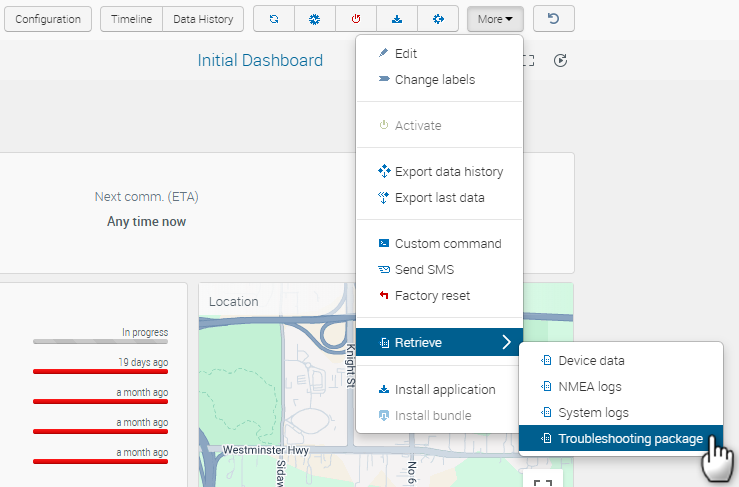
Click Retrieve troubleshooting package.
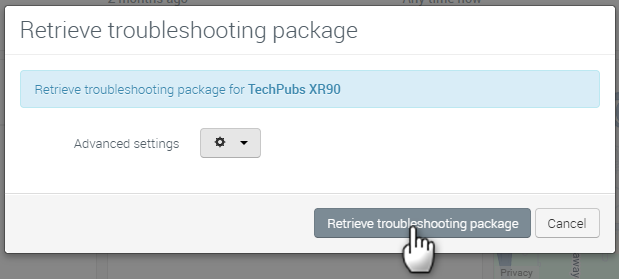
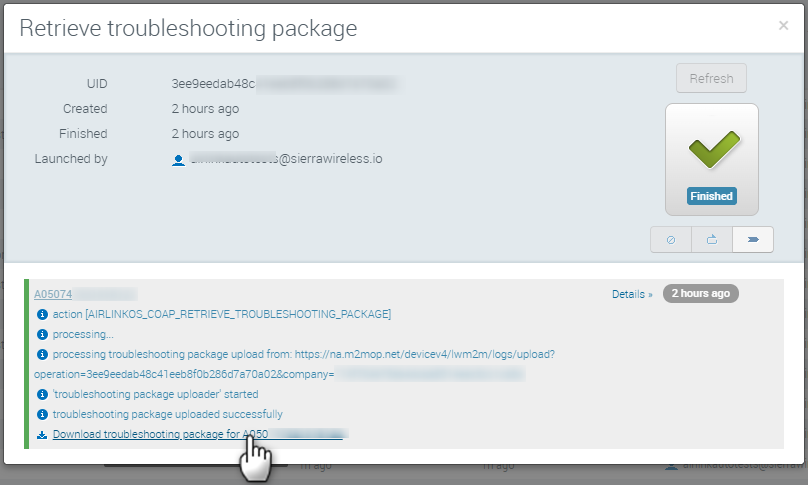
When the operation finishes, click the operation in the System Operations widget to view the operation details.
Click the download link in the operation details to download the Troubleshooting Package.