 Searching...
Configuring Client DHCP
Under Client DHCP, the SEND HOSTNAME (DHCP OPTION 12) setting enables the router to identify itself by its serial number or a custom hostname (using DHCP Option 12) instead of its IP address. This allows you to access the router and peripheral devices such as DVRs without requiring the router’s IP address.
This feature does not function on the Cellular interface.
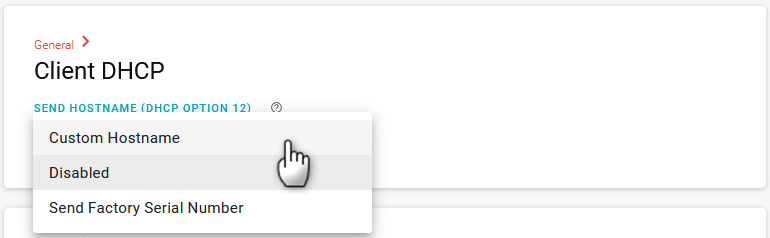
To configure Client DHCP:
Go to Networking > General > Client DHCP.
Under SEND HOSTNAME (DHCP OPTION 12), select an option.
- Disabled (default)
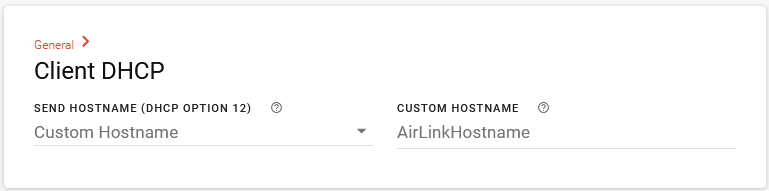
- Custom Hostname
After selecting Custom Hostname, enter a hostname to identify the router to the DHCP server. The hostname must be 1 to 63 characters long, with no spaces or special characters except “-” (hyphen).
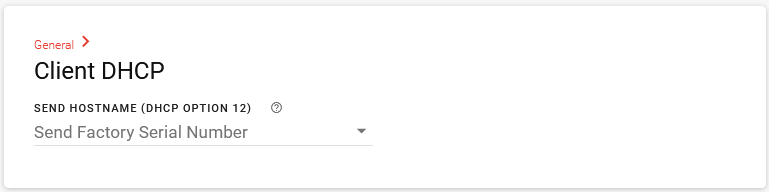
- Send Factory Serial Number
Click SAVE.